
Honeywell Galaxy Alarm Engineer
Discuss an existing Galaxy alarm, breakdown repair, servicing or a maintenance takeover with an engineer based in Chatham.
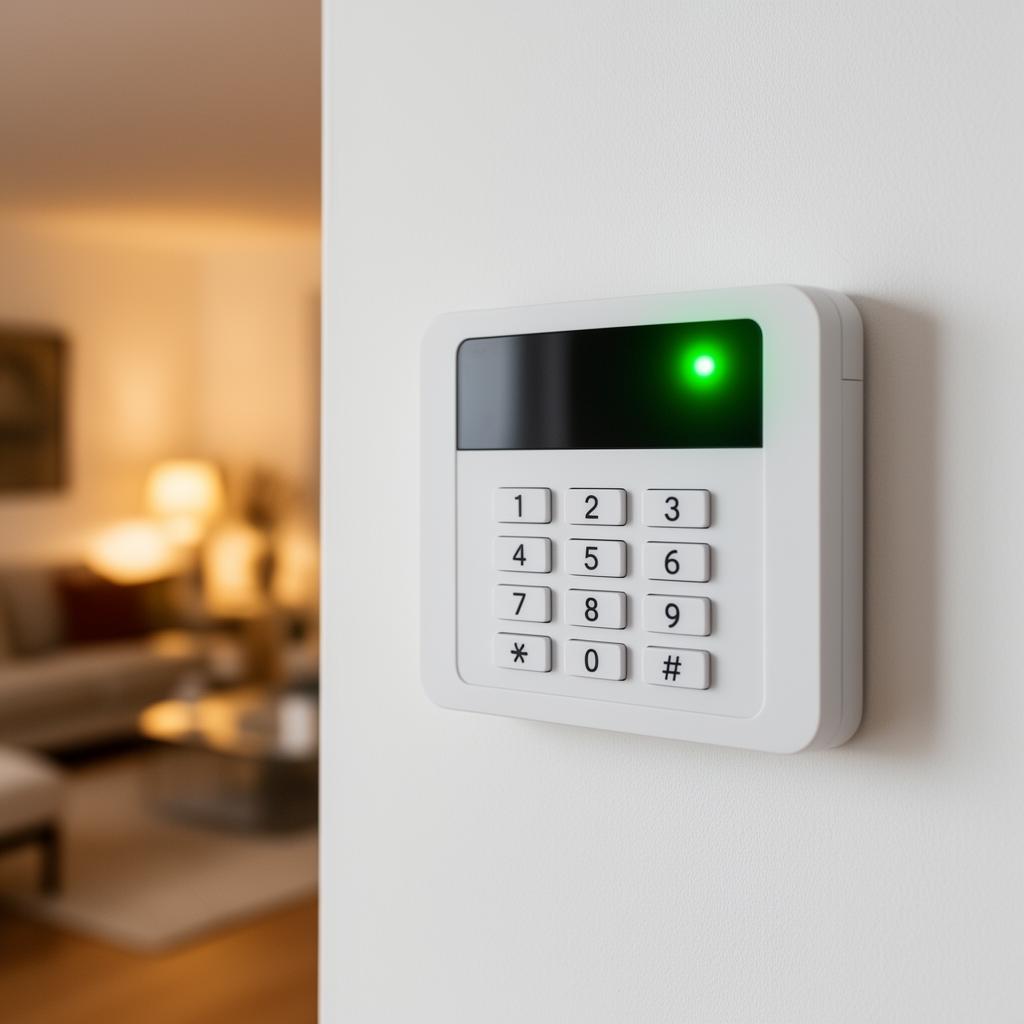
Begin with the installation, not a guessed engineer code
A Honeywell Galaxy alarm enquiry should identify the panel and the task you need help with. A warning on the keypad, lost user access and a change of maintenance provider are not the same problem. Flex and Dimension names appear in the existing Galaxy guides, but the model and current configuration need checking for your installation. Record the exact display message and whether normal setting and unsetting are still possible.
Wisetech's existing alarm servicing copy names Honeywell Galaxy among systems considered for servicing and takeover. This page provides a focused route for those enquiries without claiming that every panel, spare part or communicator is supported. Explain the equipment and any records available so the engineer can discuss the appropriate next step. If the alarm was fitted by another company, say who currently maintains it and whether that arrangement is still active.
Separate authorised access from a working-system fault
Searching for a Honeywell Galaxy engineer code can lead to instructions for the wrong panel or access level. Do not guess codes or assume a factory reset is needed. Engineer access, manager functions and ordinary user operation have different purposes. The existing Galaxy Flex engineer code guide explains the questions to establish before recovery is considered. Do not send codes or passwords in a website enquiry.
If you can operate the alarm but it reports trouble, provide the warning instead of requesting a reset. Our Honeywell Galaxy fault codes and beeping guide covers safe observations and when to stop. Note whether the problem follows building work, a power interruption or a connection change. A warning is a starting point for diagnosis, not proof that one particular component has failed or that all programming should be cleared.
A repair visit with a clear scope
Before a visit, identify the person authorised to agree work and explain how the alarm is used. For a business, include who manages users and any signalling arrangement. Keep the zone list, previous service reports and handover paperwork available if you have them. Missing records should be mentioned, not filled in with assumptions about what the panel controls. Do not open powered equipment to photograph its internal connections.
The assessment needs to relate the reported fault to the installed system and what protection is affected. Any access recovery, repair or wider upgrade should be explained before changes are agreed. If a proposed procedure could affect existing settings, ask how those consequences will be handled. Burglar alarm repairs describes the general repair route, while this page keeps the enquiry focused on the Galaxy equipment already at the property.
Taking over maintenance without losing sight of monitoring
An existing-system takeover brings condition, access and ongoing support into one discussion. It does not automatically cancel an agreement with another provider or change who receives alarm signals. Tell the engineer what you know about current monitoring and authorised contacts. Those arrangements need reviewing alongside the equipment before maintenance changes are agreed, particularly where the installation has passed between tenants or property owners.
Outstanding breakdowns may need resolving before planned upkeep can be set out. Suitable existing equipment can be considered for retention rather than replaced solely because a different company installed it. Use alarm servicing for planned visits and alarm system takeover for the wider assessment process. No subscription amount, fixed contract term or promised attendance time is introduced here; the scope depends on the actual system and support needed.
Discuss Galaxy support within our service area
Call 01634 944161 or use the form below with the model, symptoms and location. You speak directly to the engineer, not a call centre. Wisetech works from Walsham Road in Chatham across Medway, Kent and South East London, generally within around an hour of the base. Homes, landlords and businesses can discuss repairs, servicing and takeovers. A search mentioning a particular London district does not establish coverage or equipment compatibility; the enquiry confirms those practical details before work is agreed.
Related pages
Call 01634 944161 or use the form below.
Frequently Asked Questions
Common questions about honeywell galaxy alarm repair and maintenance enquiries
Get Your Free Quote
Just 3 quick details, no email needed to start.
Need Security or WiFi Help Fast?
Alarm installation, CCTV, access control, WiFi and repairs across Kent & South East London. Call, WhatsApp or send a message for a free quote.